
Action Item Report
You can generate an action item report by selecting Reports | Employees | Action Items from the menu. This displays the action item report dialog box:
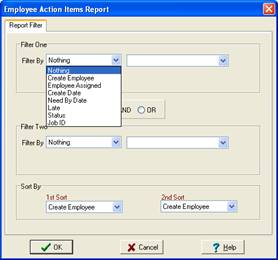
The Action Item report is handy when you want to see action items that span several jobs. (The Action Item grid only shows action items for the job selected in the Job Tree).