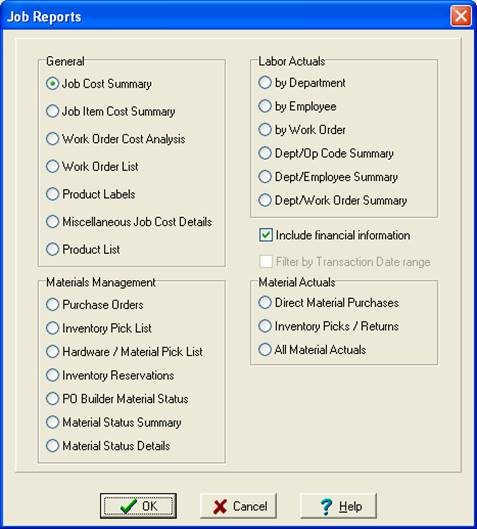
Job Reports
ShopPAK produces several job-level, job-specific reports that can be previewed and/or printed. These reports are automatically filtered by the currently selected job in the Job Tree, and thus, focus on one job’s data.
Note: ShopPAK generates additional job reports via the main menu’s Reports | Jobs menu selection. These reports tend to be higher level, summary oriented and are primarily used to contrast different jobs and help you spot trends.
|
1. To generate a job specific report, make sure the job is currently selected in the Job Tree. Select File | Print or File | Preview from the ShopPAK menu, or choose the Print  button or the Preview
  button from the speedbar button area .
button or the Preview button from the speedbar button area .2. The “Job Reports” dialog box displays. Choose the report you want to generate by clicking the report’s radio button. Click OK.