Displaying the Time Cards Tab
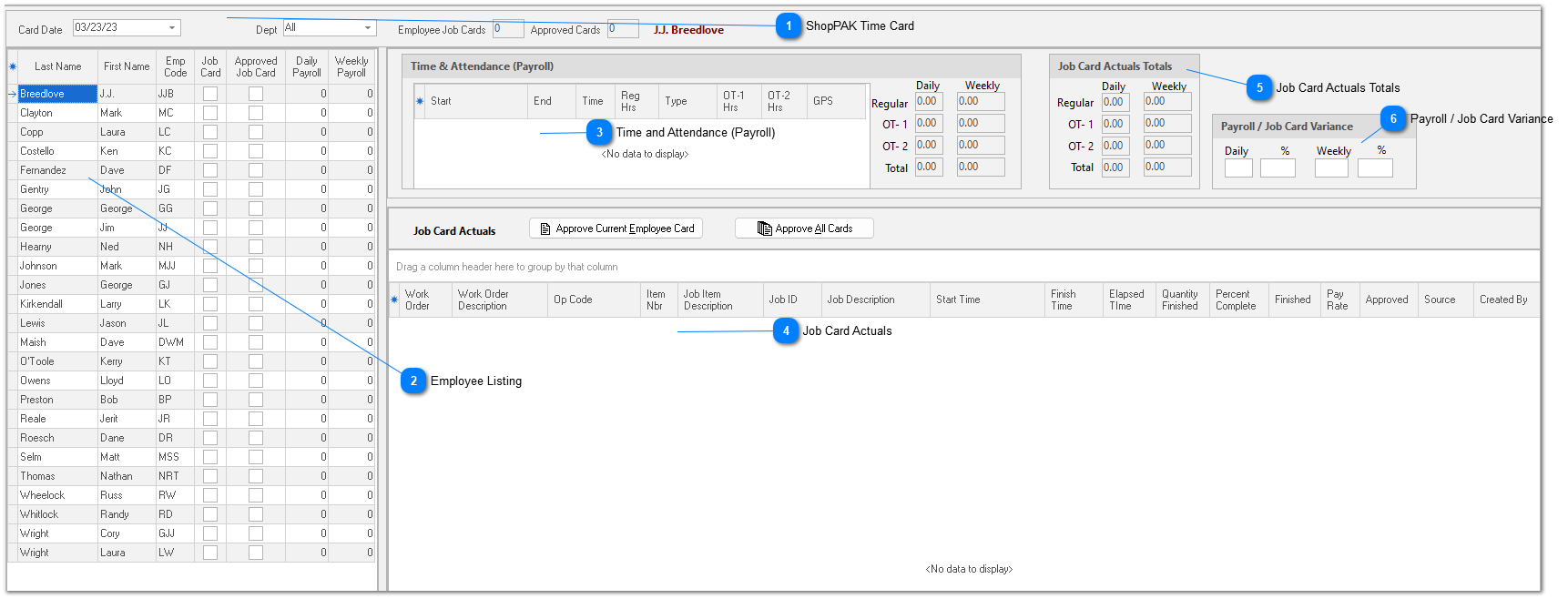
The ShopPAK time card consists of labor transactions that were posted on a particular day for a particular employee. A timecard shows two things: ‘Time & Attendance’ transactions and ‘Job Card Actuals’ transactions for an employee that has “Show on Time Card / Material Card List” checked on their employee record.

TIP: We encourage users to enter transactions on a daily basis, however, ShopPAK doesn’t stop you from summarizing time by the week or some other interval.
|



 Employee Listing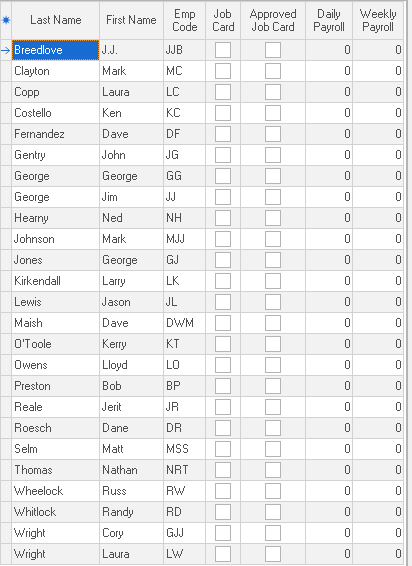 On the left side of the form is the employee list. All employees that have “Show on Time Card / Material Card List” checked in their employee record are listed. (See “Defining Employees"). To see a particular employee’s transactions, or to add new transactions to a particular employee, select the employee with your mouse. You’ll notice that the name of the currently selected employee is displayed in the upper right hand area of the form as well.
Job Card
Indicates if the employee has any Job Card transactions for the selected card date.
Approved Job Card
Indicates if the employee has an approved job card for the selected card date.
Daily Payroll
Time and Attendance ‘Payroll’ hours for the selected card date.
Weekly Payroll
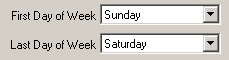
Total Time and Attendance ‘Payroll’ hours for the current week. The current payroll week is defined in ShopPAK Options on the “Misc” tab.
 |
 Time and Attendance (Payroll)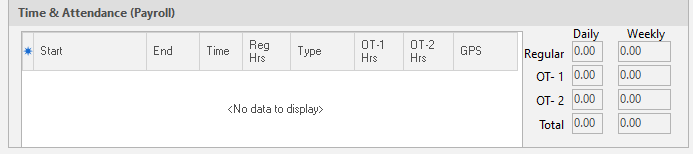 Time & Attendance transactions capture payroll and attendance data. These transactions are used for calculating payroll and to pinpoint when an hourly employee was ‘on the clock’. See Time & Attendance for more details.
|
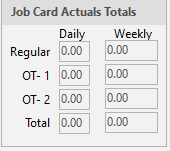
 Job Card Actuals Job Card Actuals identify what jobs the employee actually worked on during the day. At a minimum, each transaction identifies the Job, Job Item, and Work Order the employee spent time working on. If you wish, you can also capture the specific operation the employee performed. This is recommended so you can see hours for a particular operation and/or department across all jobs and employees. This is valuable information when assessing department productivity and spotting bottlenecks. See Job Card Actuals for more details.
|