Payroll Codes
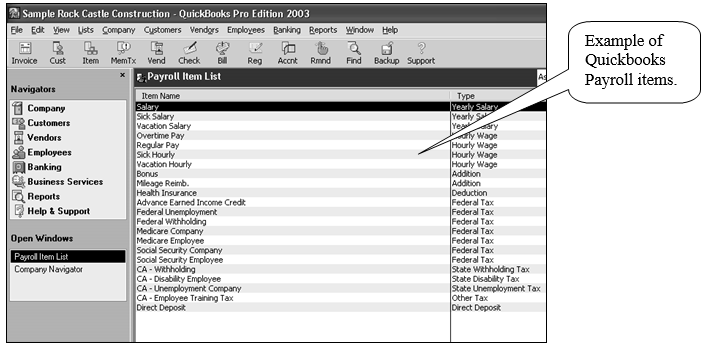
If you use QuickBooks (export file or integrated) or MYOB, you must define ShopPAK payroll items that match accounting package payroll items.
Select Define | Payroll Codes from the ShopPAK menu.

This displays the “Payroll Code Definition” dialog box:
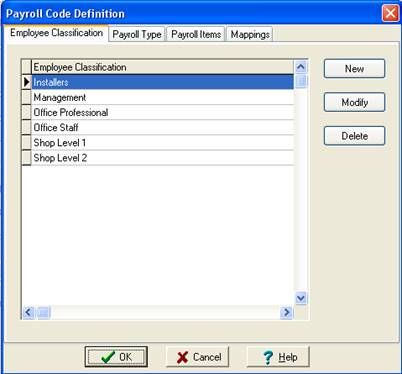
Employee Classification
Define all of the different ‘Employee Classifications’ you have in your accounting package. Since different pay grades typically have distinct pay items, we use employee classification to identify each ShopPAK employee’s pay grade.
Payroll Type
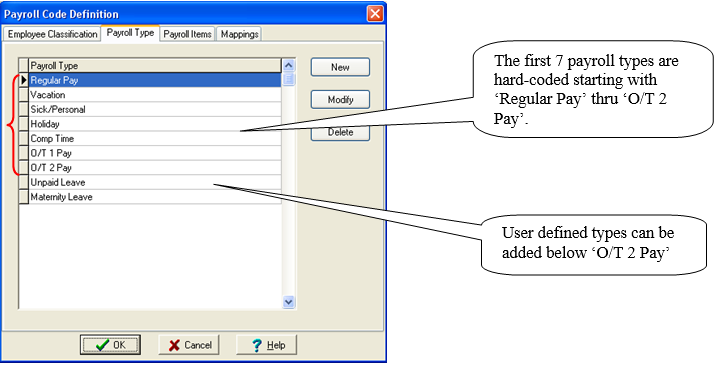
Define ‘Pay Item Types’ via the ‘Payroll Type’ tab.
Clicking ‘New’ or ‘Modify’ displays the “Pay Item Type” dialog box:
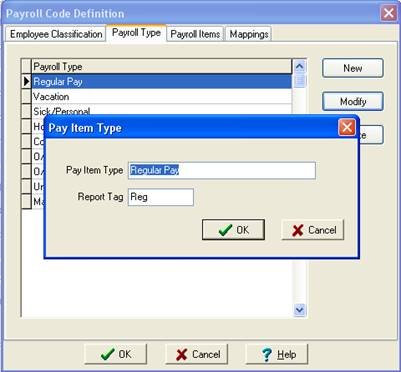
Use a descriptive name for the ‘Pay Item Type’ and a shorter tag that ShopPAK uses when showing the Pay Item in certain windows and on payroll reports.
Payroll Items
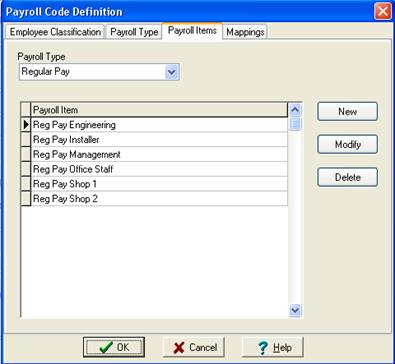
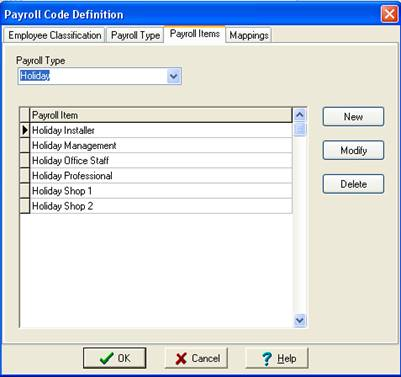
Payroll Items are the actual accounting payroll items that you set up in your accounting package. Makie sure that your payroll items in ShopPAK exactly match their corresponding accounting payroll item.
You can define any number of payroll items for each distinct ‘Pay Item Type’. Basically, you want to create a unique payroll item for each distinct employee classification you’ve set up in your accounting software.
Mappings
The Mappings tab is where you tie everything together. For each ‘Employee Classification’, you’ll associate the ‘Pay Item Types’ that each Classification needs when processing payroll. And of course, you’ll associate the correct ‘Payroll Item’ to each unique Employee Classification’ / ‘Pay Item Code’ intersection.
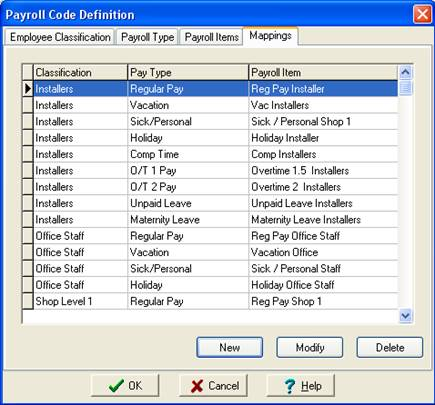
Clicking the ‘New’ or ‘Modify’ buttons displays the “Pay Item Mapping” dialog box.
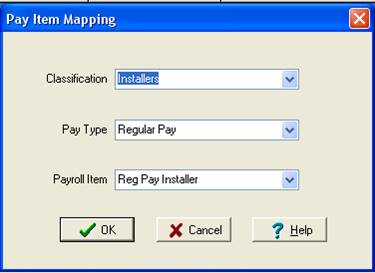
Use this dialog box to tie the correct intersection of Classification, Pay Type, and Payroll Item together.
Modify Employee Wage Record Dialog Box
For each ShopPAK employee, select their correct Employee Classification. This is done on the employee’s Wage Record dialog box.
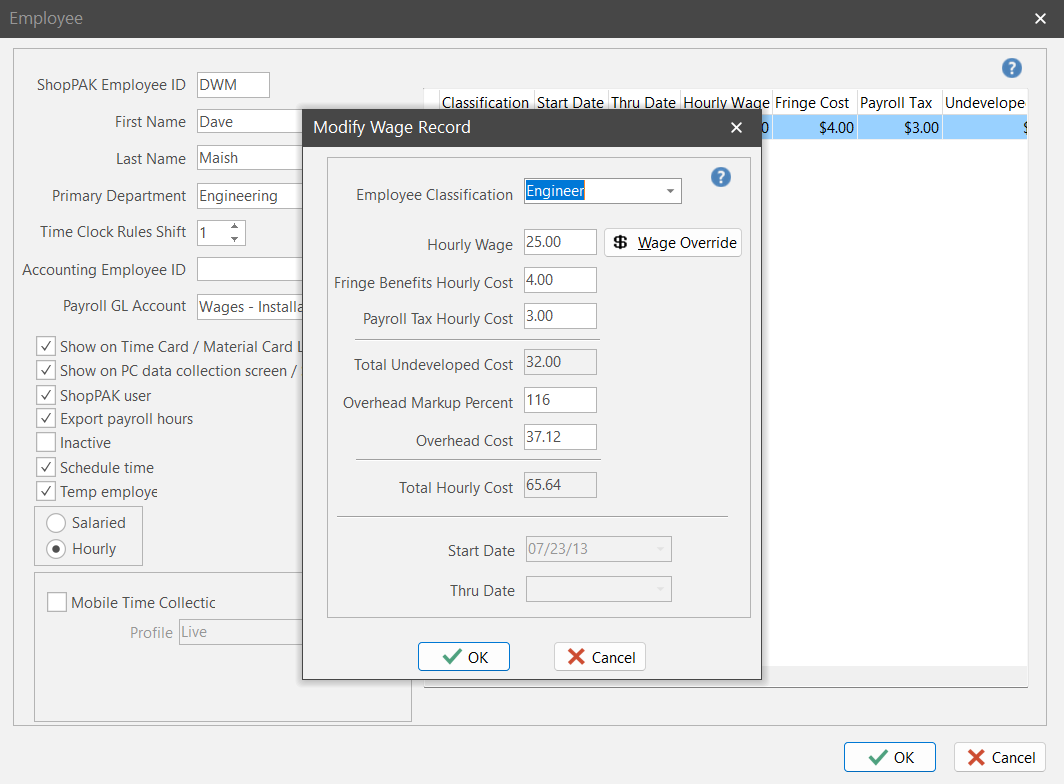
ShopPAK uses the employee’s classification and the Pay Code mappings to find the correct payroll item when exporting hours for a particular employee to your accounting package.
Pay Item Error Messages
If you are exporting to QuickBooks or MYOB, there are two new messages that you may see if ShopPAK detects a set-up problem with pay items.
1. The first problem occurs if an employee doesn’t have an Employee Classification in their wage record:
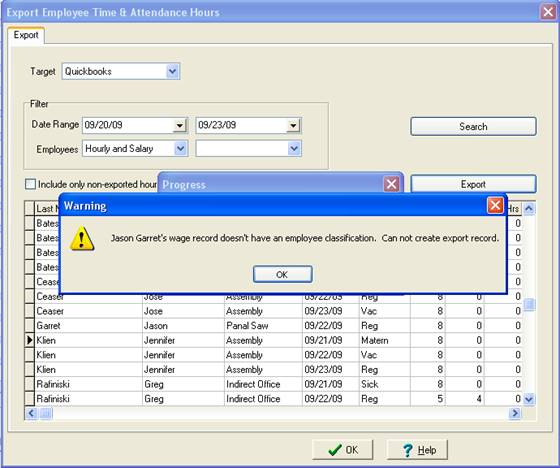
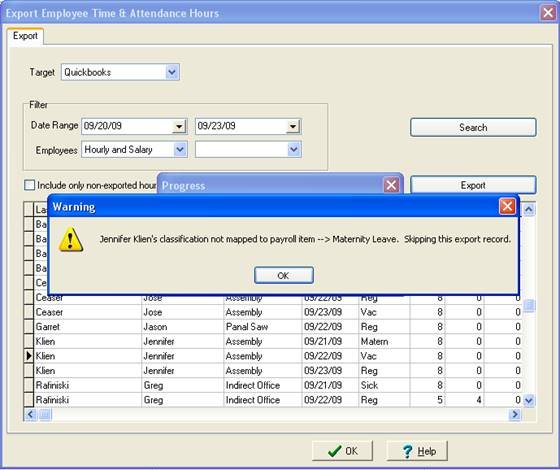
2. The second problem occurs if an employee doesn’t have a mapping record that ties the employee’s ‘Employee Classification’, ‘Time and Attendance’ Pay Item Type (e.g. ‘Regular Hours’, ‘Holiday’, etc.), and the appropriate payroll item together.