
Operations
The second sub tab, Operations, lists the detailed labor routings needed to complete the product. If you change an operation via this tab, the product’s work order Operations and Scheduling sub tabs are automatically updated. This is also true when you change product Order Quantity or add new operations or delete operations.
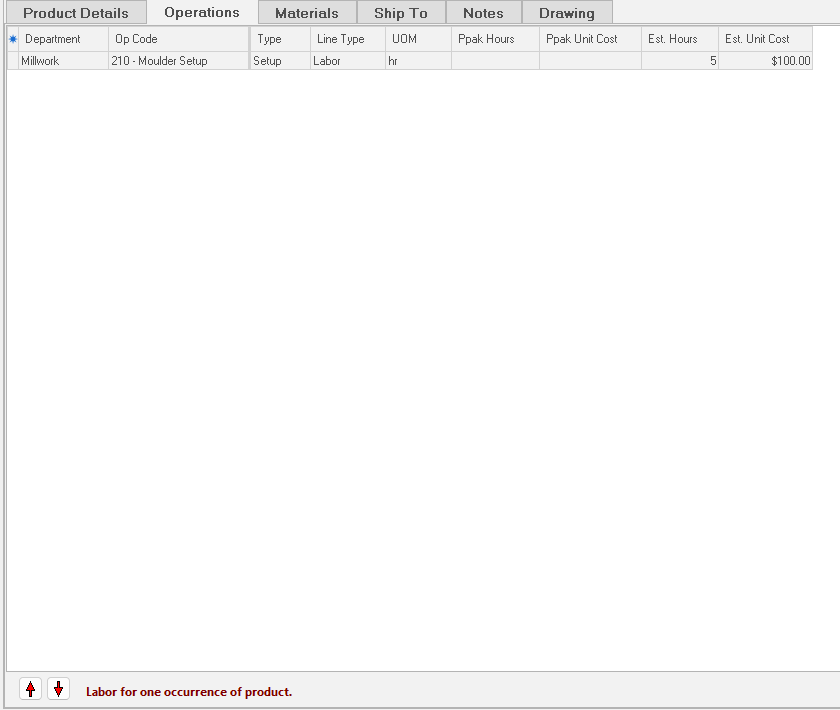
NOTE: If you maintain operations at the work order level, ShopPAK prevents you from editing the Operations sub tab:
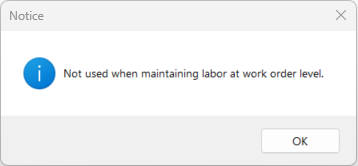 |
Changing Labor Operation Sequence
To change the sequence of the operations, use the Up and Down arrows.
1. Select the row you want to move by clicking the row button on the far left of the grid. The row will be highlighted blue, indicating it has been selected.
2. Use either the Up or Down  buttons to change row position.
buttons to change row position.Work Order Synchronization
When you change, add, or delete a product level operation, or for that matter, you change the Order Quantity of the product, ShopPAK automatically updates and keeps the work order Scheduling and Operations sub tabs in sync with product level changes.