
Linking an RFI to an Action Item
Right mouse click the grid and choose Link Action Item from the pop up menu. This displays the
Link RFI to Action Item dialog box.
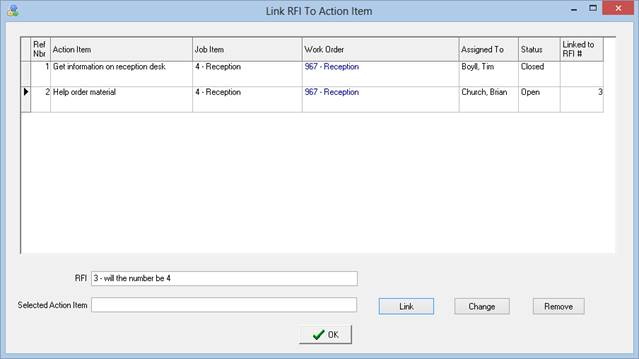
Choose the Action Item you want to link to the RFI and click the Link button. Click OK. Linking a RFI to an Action Item causes ShopPAK to show the associated RFI # in the Action Item grid, as well as, show the associated Action Item # in the RFI grid.
RFI Grid

Action Item Grid
