
Hide / Display Columns
To hide / display columns, right mouse click the RFI grid and select “Hide / Display Columns” from the pop up menu. This displays the “Hide / Display Columns” dialog box.
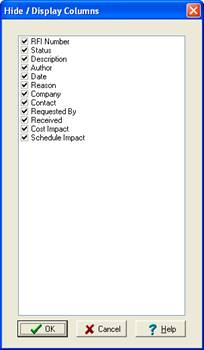
Placing a check in a column tells ShopPAK to display the column. Unchecking a column tells ShopPAK to hide the column.