
Invoice Summary Reports
Select Reports | Billing | Summary to generate both summary and detail invoice reports.
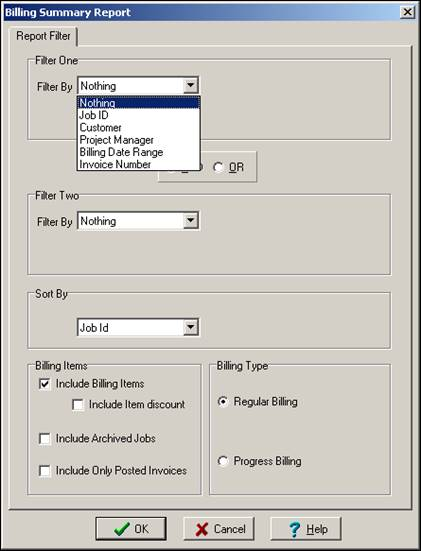
Two filters are available to help you find the subset of regular invoice billings you want to review. After choosing a filter, enter the value you want to filter on. For example, if you choose “Job ID”, ShopPAK displays the “Open Jobs” dialog box. Pick the job that you want to limit the report to.
Sort the invoice report by one of the following items:
-
Job ID
-
Customer
-
Project Manager
-
Invoice Number
If you want to see invoice item details, place a check into “Include Billing Items”.
Make sure you click the “Regular Billing” radio button. This tells ShopPAK you want to review regular invoices as opposed to AIA progress billings.