
Creating Your Own Application Items
If work order or job item descriptions won’t work as application billing items, then you’ll want to make sure that their “Progress Billing Item” checkboxes are blank so ShopPAK doesn’t automatically create progress billing application items for the work orders and job items.
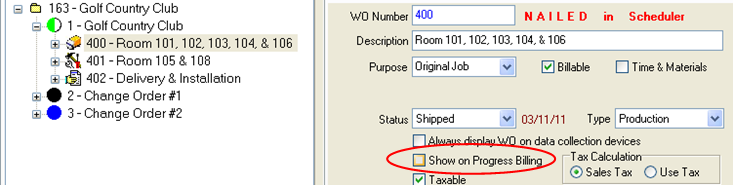
To create a new application billing item:
1. Right mouse click the Progress Billing Grid and select “New” from the pop up menu.
2. Tell ShopPAK if the new item is taxable or not.
3. Enter description of the new item.
4. Enter the scheduled value amount of the new item.
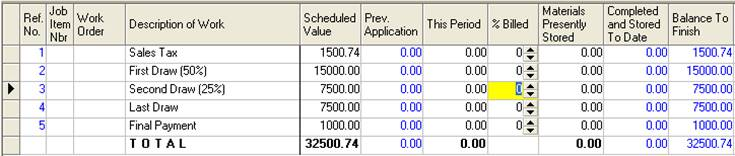
You only need to create the list of application billing items once. ShopPAK uses the same list of items and their scheduled values on subsequent progress billing applications.