
Billing Items
When you create the ‘first-cut’ invoice from the “Shipping” tab, ShopPAK populates all invoice item rows based on information contained in corresponding ship ticket item rows.
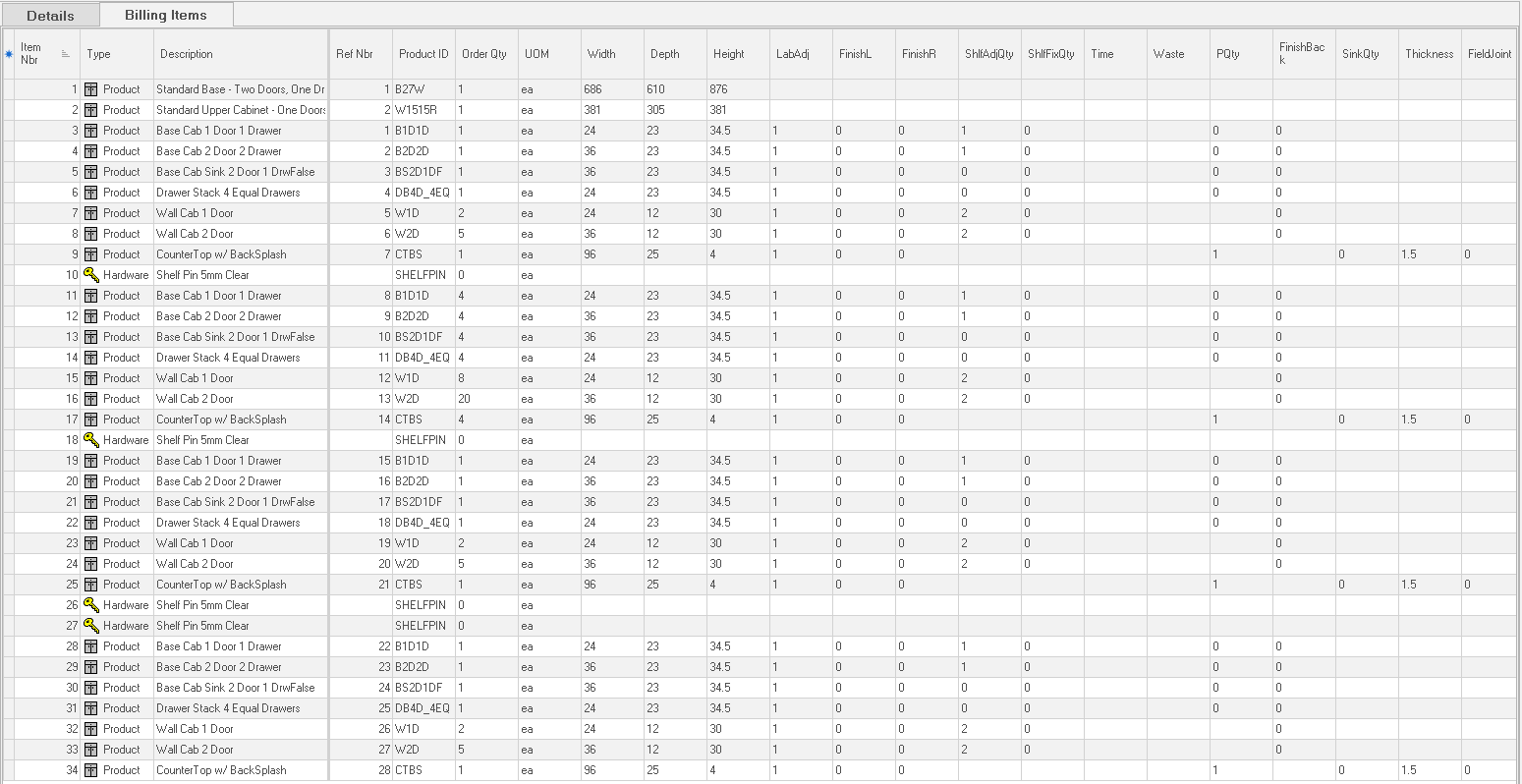
Item Number
Sequential number associated with the invoice item. Primarily used to order invoice items. You can change this number if you want to sequence invoice line items differently than its corresponding ship ticket. Enter the new item number and click on another invoice or close the invoice. When you re-open, the invoice will be displayed in the new ‘Item Number’ sequence.
Type
Identifies the type of product being shipped. 5 types are available from dropdown pick list:
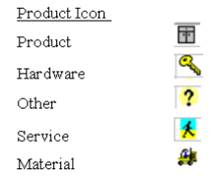
There are also two additional row types: ‘Comment’ and ‘Section’. Use these line types for section headers, comments, and to communicate instructions on the printed invoice. Comments print in regular font. Sections print bolded on the grid and on the printed invoice.
Description
60 character product description.
Reference Number
Unique sequential number associated with the product. If you use unique reference numbers in ProjectPAK to identify products, the ProjectPAK Estimate Conversion Utility sends the unique reference numbers over to the ShopPAK work order ‘Products’ grid. When dragging a work order on to the ship item grid, ShopPAK automatically copies the reference number if present. The reference number is also forwarded to the invoice grid when creating a first-cut invoice.
Product ID
Code that represents the product. If you use product assembly codes / IDs in ProjectPAK to identify products, the ProjectPAK Estimate Conversion Utility sends the unique codes over to the ShopPAK work order ‘Products’ grid. From there, ShopPAK copies over to the Ship Item and Invoice grids.
Quantity
Quantity of product being invoiced.
Unit Price
Product unit price.
Price
Read Only. Extended price of product (‘Quantity’ times ‘Unit Price’).
Item Discount Rate
Percentage that you want to discount the line item.
Adjusted Price
Read Only. Line item price that takes any line item discount into consideration.
Tax
Tax indicator. If the line item is subject to sales tax, place a check into the checkbox.
GL Account
Sales / Revenue general ledger account code of the line item. Necessary when exporting invoices to an accounting package.
Notes
Notes indicator. A check indicates the line item has a note. To create a note, place a check into the checkbox or highlight the row and click the ‘Item Notes’ button.
ProjectPAK Custom Columns
ShopPAK shares ProjectPAK custom columns so custom product information defined in ProjectPAK flows through to ShopPAK when converting an estimate into a 1st cut job.
Piece Description
Read Only. If the billing item is based on a ShopPAK inventory item, and that inventory item is managed by the ‘piece’, ShopPAK includes the inventory item’s ‘Piece Description’.
Piece Serial Number
Read Only. If the billing item is based on a ShopPAK inventory item, and that inventory item is managed by the ‘piece’, ShopPAK includes the inventory item’s ‘Piece Serial Number’.
When dragging an inventory item that is managed “by the piece” over to the invoice grid, ShopPAK automatically copies the inventory piece serial number into the cell. ‘Piece Serial Number’ is included when printing the invoice, if the item is an inventory item.
Work Order
Work order that the billing item relates back to.
Job Item / Work Order
Read Only. Job Item / Work Order that the billing item relates back to.
UOM - Unit of Measure
Unit of measure used for the billing line item.