Add width, height, and depth to product description
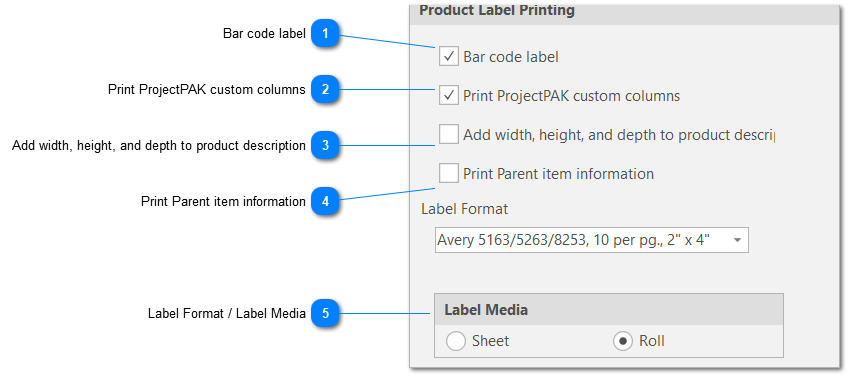
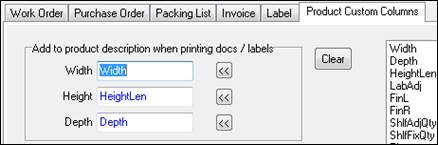
Tells ShopPAK that you wish to append width, depth, and height to product description. Use ‘Product Custom Columns’ to identify custom columns correspond to Width, Height, and Depth.
Tells ShopPAK that if it is printing a ‘Child’ product (this means it is part of a hierarchy), to include ‘Parent’ product information as well on the ‘Child’ product label.
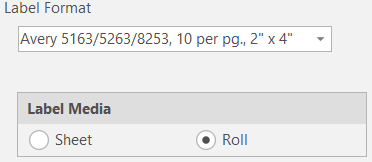
Tells ShopPAK if you are printing on sheet or roll stock. Your choice populates the choices found in the Label Format drop down list.
Note: Different label sizes permit different amounts of information. Experiment to find the label size that gives you the information you need.
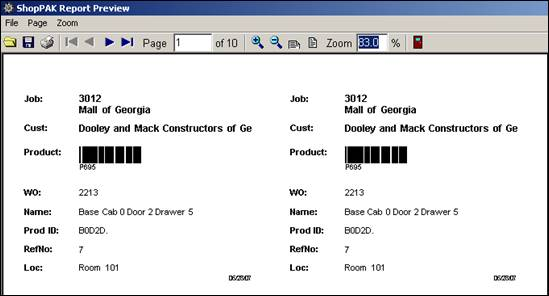
Generate and print product labels via the Job Tree located on the “Jobs” main tab. You can generate product labels for an entire Job, Job Item, or Work Order.