
PC Data Collection Workstation
The PC Data Collection workstation is where employees actually log time clock, labor, and inventory usage transactions. The program is designed for use with a touch screen monitor, or with a mouse and keyboard. You can also connect a bar code scanner via a keyboard wedge cable or into a USB port, to scan bar coded employee codes, work orders, operation codes, and inventory codes.
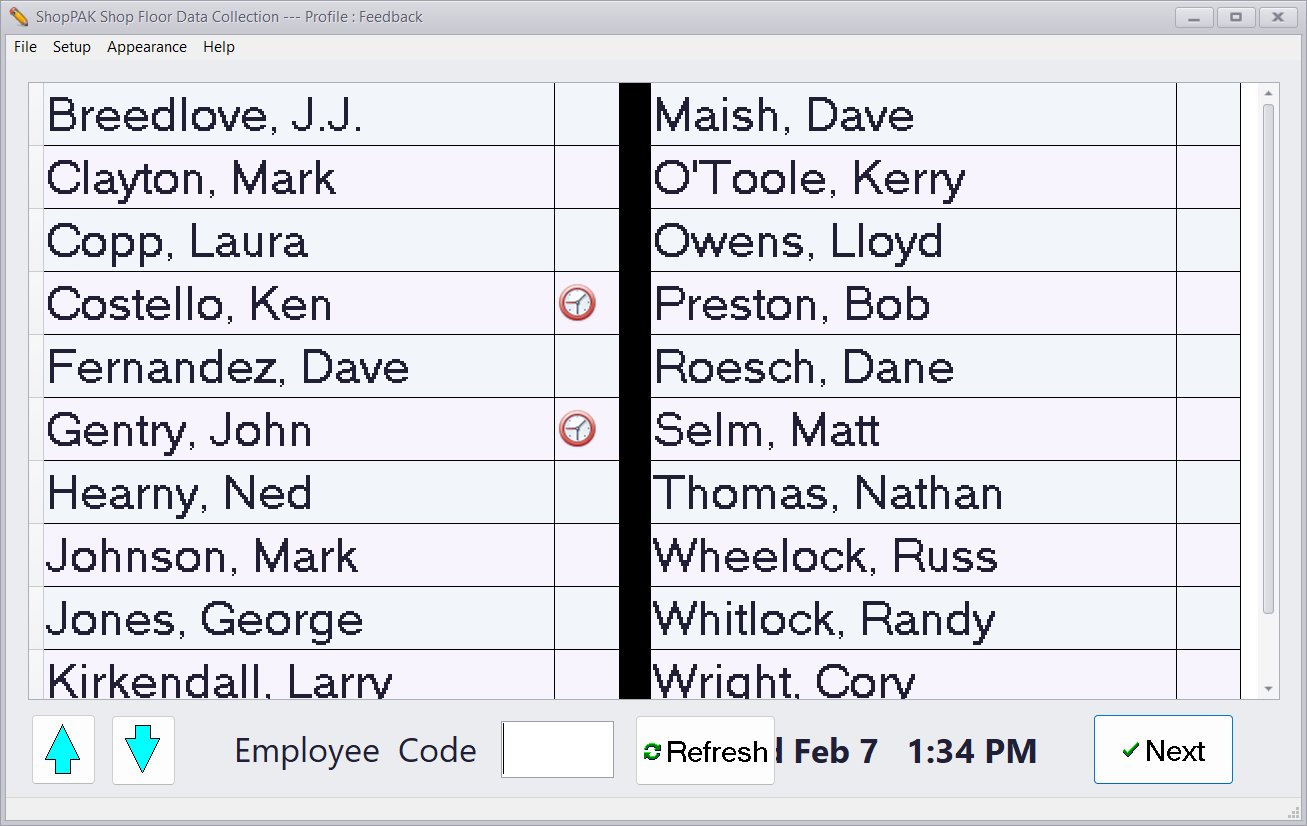
To start the PC Data Collection Controller:
1. Click Start | Programs | ShopPAK | PC Data Collection.
Once running, you’ll probably want to keep it maximized and running. If you have disconnected the keyboard and mouse, we recommend turning off your screen saver so the PC Data Collection program is always displayed and visible.