Open Existing Quote Requests
To open a quote request that you previously created, follow these steps:
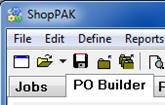
1. Make sure PO Builder’s main tab is selected.
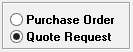
2. Make sure you've clicked the Quote Request radio button.
3. Click the “Open” speed bar button à to display the “Open Quote Requests” dialog box.
to display the “Open Quote Requests” dialog box.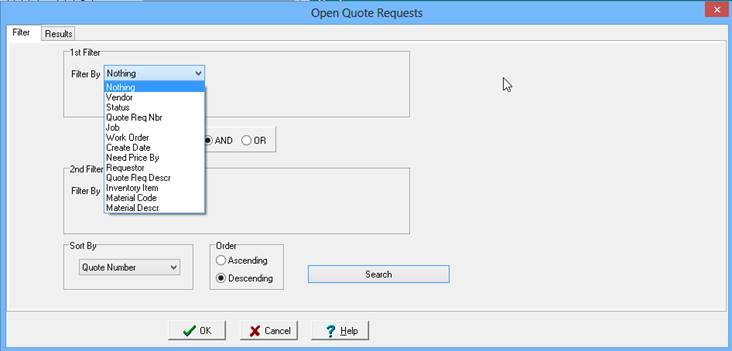
4. Search for Quote Requests via the two filters present on the dialog box.
5. Click the “Search” button.
6. ShopPAK displays the “Results” tab with all of the Quote Requests. Click the OK button to load all the quote requests into PO Builder’s quote request queue, or select the subset you wish to open.
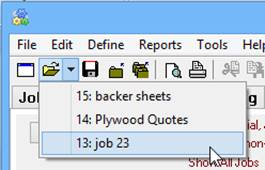
Another way to quickly open a particular quote request is using the list of recent quote requests you've worked on. Click the down arrow next to the open speed bar button to see the quote request list. Click the quote request you wish to open with your left mouse button.