
Displaying the Purchasing Order Form
Make sure the “Purchasing” tab is active by clicking it with your mouse. All of the actions in this chapter require that the “Purchasing” tab remains selected, except for generating PO reports.

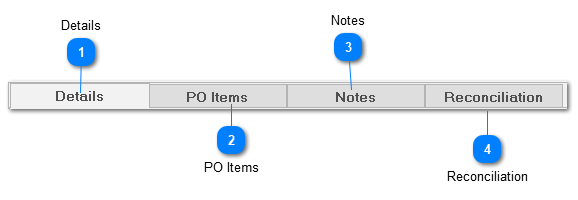
 Details The first sub tab, “Details”, contains descriptive information about the purchase order and summarizes PO totals. (Totals are automatically calculated by ShopPAK as you modify PO Line Items). See PO Details for more information.
|
 PO Items The second sub tab, “PO Items” is where you add the individual line items that make up the PO. It contains two grids. The first grid lists the PO Items that comprise the currently selected PO. The second grid lists job assignments associated with the currently selected PO Item. See PO Items for more details.
|


 Reconciliation The fourth sub tab, "Reconciliation" gives you the option of reconciling vendor invoices against purchase orders. See Reconciliation for more details.
|