
Alert Generator
Most ShopPAK users will never see the Alert Generator. It typically is installed on the server (where the shared ShopPAK database resides) and runs 24/7 as its own program. The Alert Generator is the heart of the alert system. It constantly monitors ShopPAK data and alert transactions, looking for threshold events that drive alerts. When the Alert Generator detects a situation that warrants an alert, it creates the alert. (Once created, a user with permission to view alerts can see the newly generated alert in their Alert Browser window). If the alert is supposed to be emailed, the Alert Generator adds the alert to the user’s email queue.
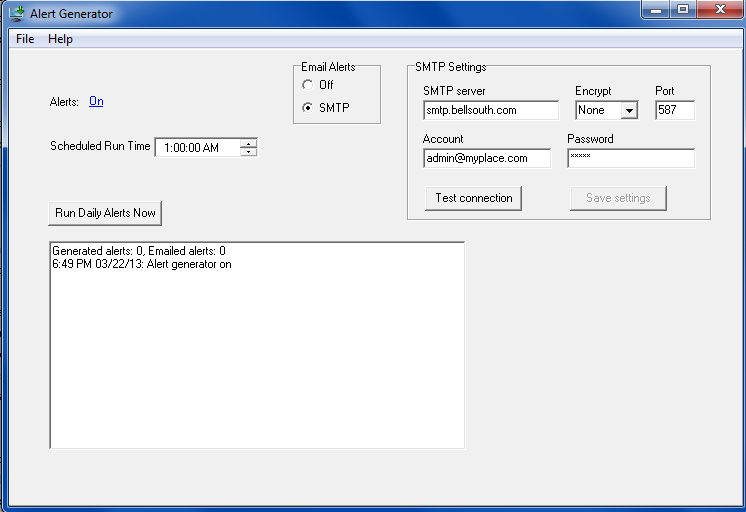
For convenience, we’ve replicated several setup controls found on the ShopPAK Options dialog box and placed them on the Alert Generator. Note: These values can either be updated from ShopPAK Options or from the Alert Generator window.
Further information on these controls can be found on page 2 of this chapter.