Add New Transmittal
To add a new transmittal, right mouse click the Transmittal grid and select “New” from the pop up menu. This brings up the “Transmittal Letter” dialog box which allows you to enter all of the information needed for the transmittal.
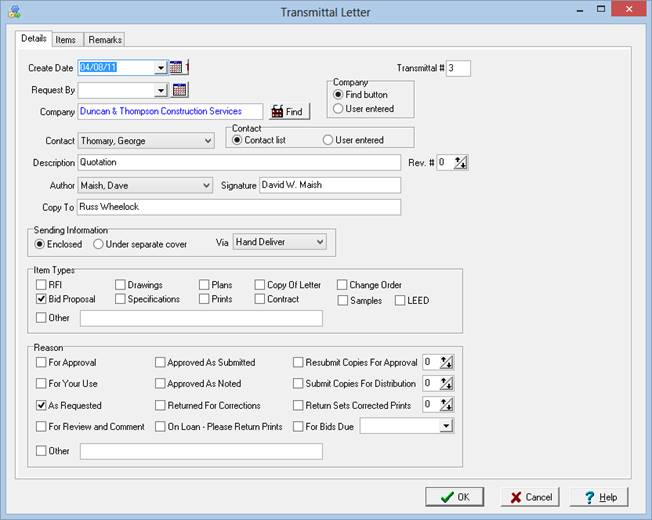
Details Tab
Enter all detail information about the transmittal such as contact, description, item types, and reasons.
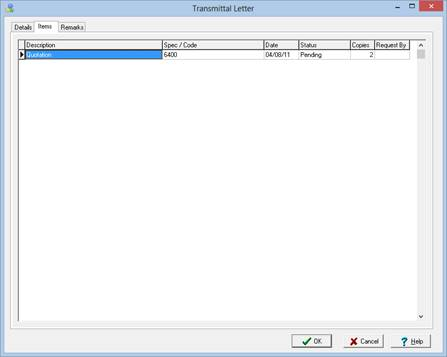
Items Tab
Allows you to add, modify, and delete specic transmittal items that make up the entire transmittal.
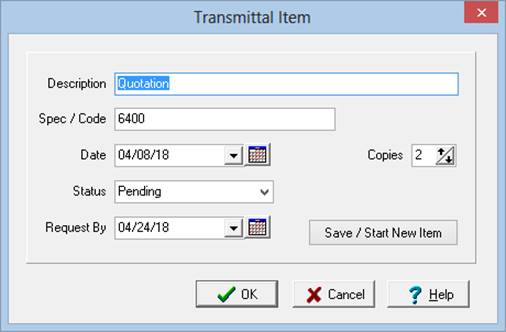
To add a new transmittal item, right mouse click the Transmittal Item grid and select “New” from the pop up menu. This brings up the “Transmittal Item” dialog box which allows you to enter all of the information needed for the transmittal item including status.
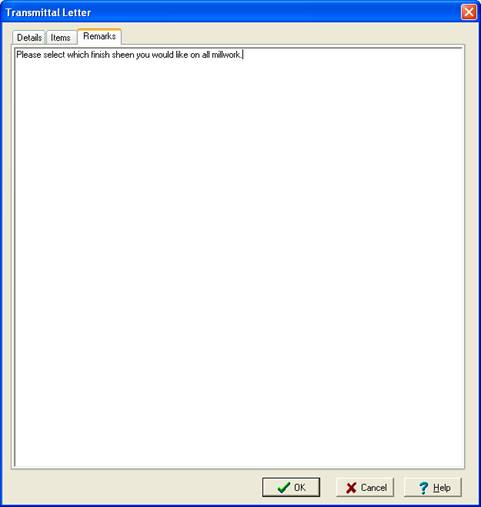
Remarks Tab
This tab allows you to add any remarks needed for the transmittal.