
Ship Ticket Summary Reports
Select Reports | Shipping | Summary to generate both summary and detail ship ticket reports.
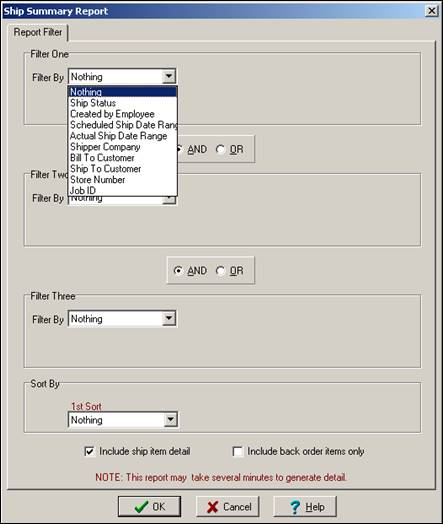
Three filters are available to help you find the subset of ship tickets you want to review. Each filter pick box lets you filter on the following items:
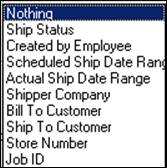
After choosing a filter, enter the value you want to filter on. For example, if you choose “Job ID”, ShopPAK displays the “Open Jobs” dialog box. Pick the job that you want to limit the report to.
Sort the shipping report by one of the following items:
-
Ship Ticket Number
-
Ship Status
-
Created by Employee
-
Scheduled Ship Date
-
Actual Ship Date
-
Shipper / Carrier Company
-
Bill To Customer
-
Ship To Customer
-
Store Number
-
Job ID
If you want to see ship item details, place a check into “Include ship item detail”. If you do this, ShopPAK makes “Include back order items only” visible. If you want to limit detail rows to only ‘backordered’ items, place a check into “Include back order items only” as well.
