
Opening Existing Purchase Orders
Most users will access PO Builder several times a day, generating new purchase orders, adding materials to PO’s creating earlier in the day, and creating additional reservations. To open PO’s created earlier in the day, follow these steps:
1. Make sure PO Builder’s main tab is selected.
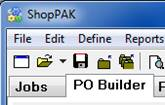
2. Click the “Open” speed bar button  to display the “Open Purchase Orders” dialog box.
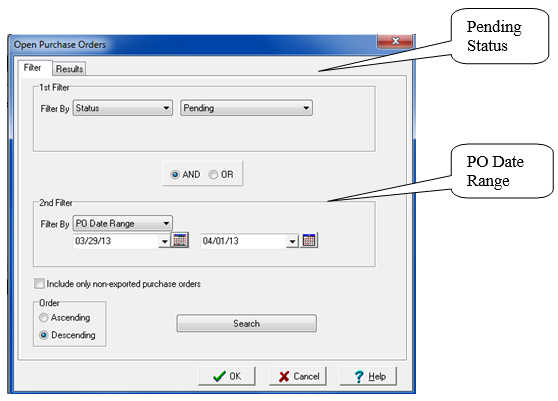
to display the “Open Purchase Orders” dialog box.3. Search for purchase orders you generated earlier in the day by using the following filter:
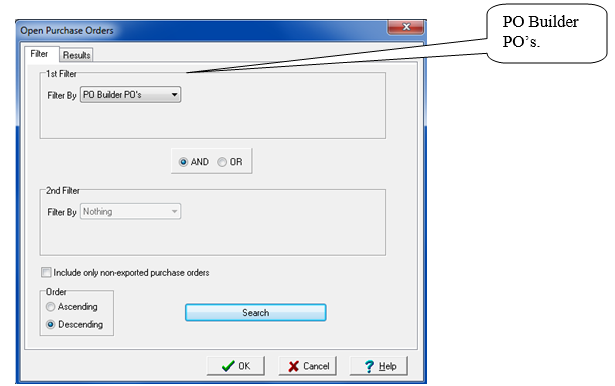
This filer finds ‘Pending’ purchase orders that were created today. If you need to expand your search to include purchase orders created on another day, you’ll need to expand ‘PO Date Range’ accordingly.
4. Click the “Search” button.
5. ShopPAK displays the “Results” tab with all of the PO Builder purchase orders. Click the OK button to load the purchase orders into PO Builder’s purchase order queue. Use the navigation buttons to find the purchase order you wish to work with.