Generating Inventory Material Labels
You can generate material labels, by inventory location, from the “Inventory Details” tab.
Generating labels is a distinct step from printing labels. When you generate labels, ShopPAK writes label information to the database. Later, you can print all of the generated material labels at one time as a batch.
To generate inventory material labels:
1. Select the Inventory Item location you want to generate labels for by clicking it.
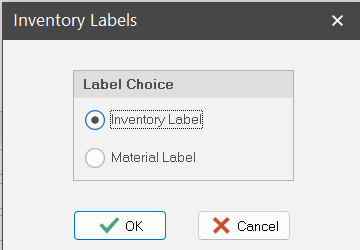
2. Right mouse click the “Location” grid and select “Generate Labels”. This displays the “Inventory Labels” dialog box. Select Inventory Label. Click OK.
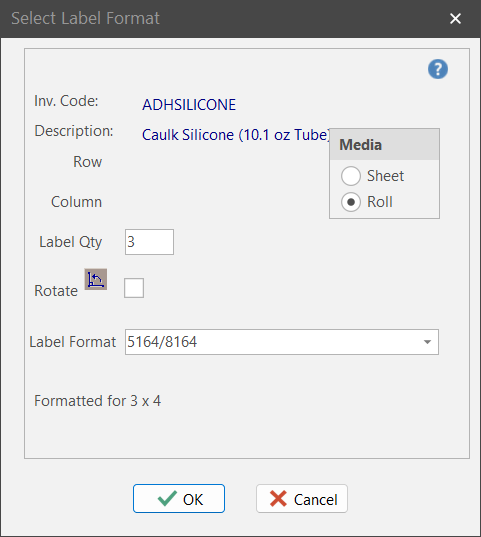
The current location quantity displays. You can change this if you want to generate a different number of labels. Click OK.
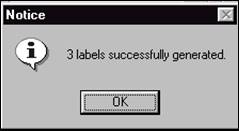
ShopPAK writes the generated labels to the database and displays a message confirming the number of labels you requested.