
Editing Existing Query
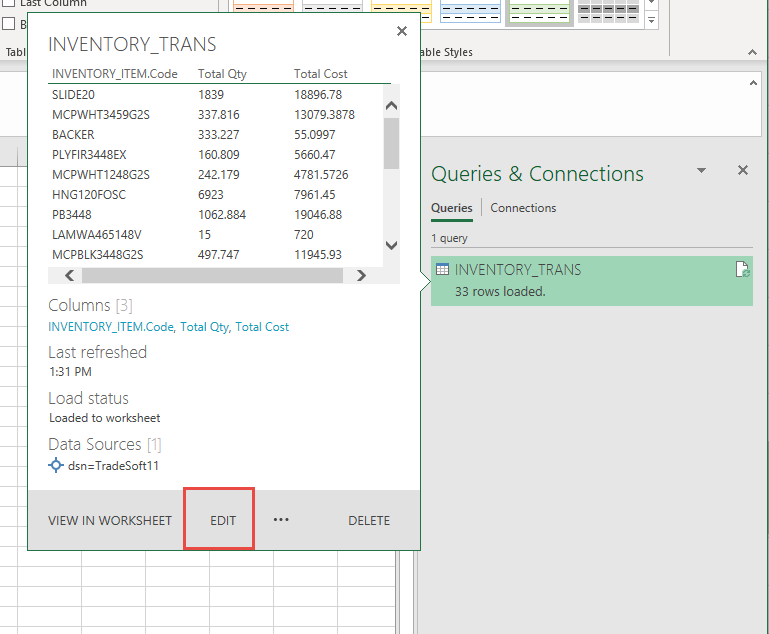
To open the query up to edit it after it has been returned to the worksheet hover over the query name in the right-hand ‘Queries & Connections’ (it is labeled ‘Workbook Queries’ in 2013 & older) panel and select ‘Edit’.
The query is opened in the same separate window where all steps can be edited as desired. When you are finished click ‘Close & Load’ to return it to the current worksheet.