×

Library Items

 
ShopPAK allows you to directly update your ProjectPAK Library Items/Price Book. 
 
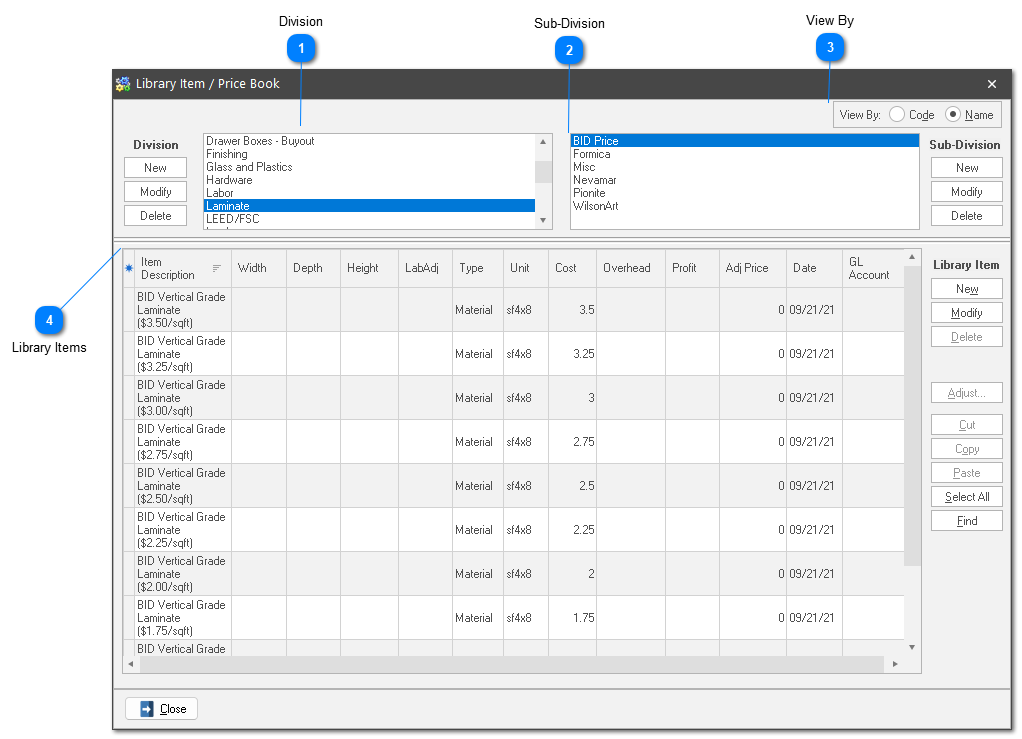
A splitter control is available to control the size of the Division / Sub-Division pane and the Library Item pane.  Use the splitter to view more Divisions / Sub-Divisions at a given time, or more library items.
 
Library Items
1

Division

1. Division
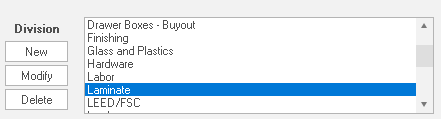
The library is organized into a 3-level hierarchy.  The highest level is Division.  Use division for defining your broadest categories of line items.

2

Sub-Division

2. Sub-Division
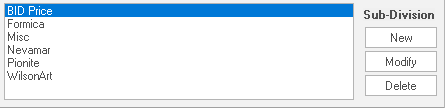
Each division is further broken down by Sub-Division.  For example, we've broken down Laminate into the above sub-divisions.
3

View By

3. View By
Toggle the view between the library code and the library description (name) by clicking the corresponding radial button.
4

Library Items

4. Library Items
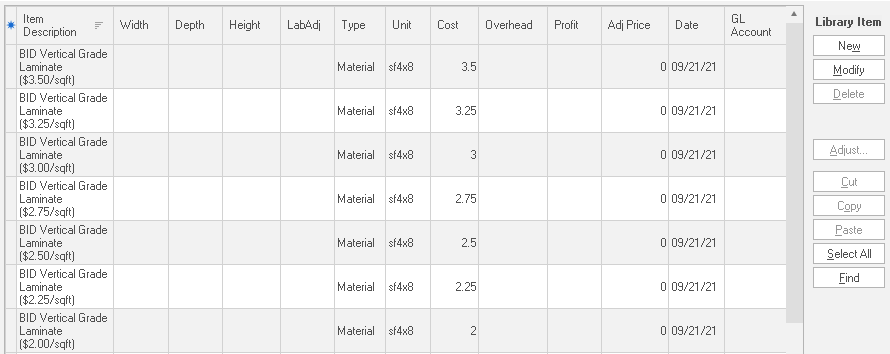
Actual library items are listed under Sub-Division.  For example, Bid Price contains the above listed library line items.